How to Export Zillow Listings to JSON
Export Zillow listings to JSON
JSON is useful when Zillow listing data needs to move into custom scripts, reporting systems, data tools, or downstream automation.
Zillow Data Exporter lets you export Zillow property rows to JSON without building a custom scraper.
Step 1: Open Zillow listings or search results
Open a Zillow page with the property rows you want to capture, including search results, saved listings, or recently sold listings that are visible in your browser.
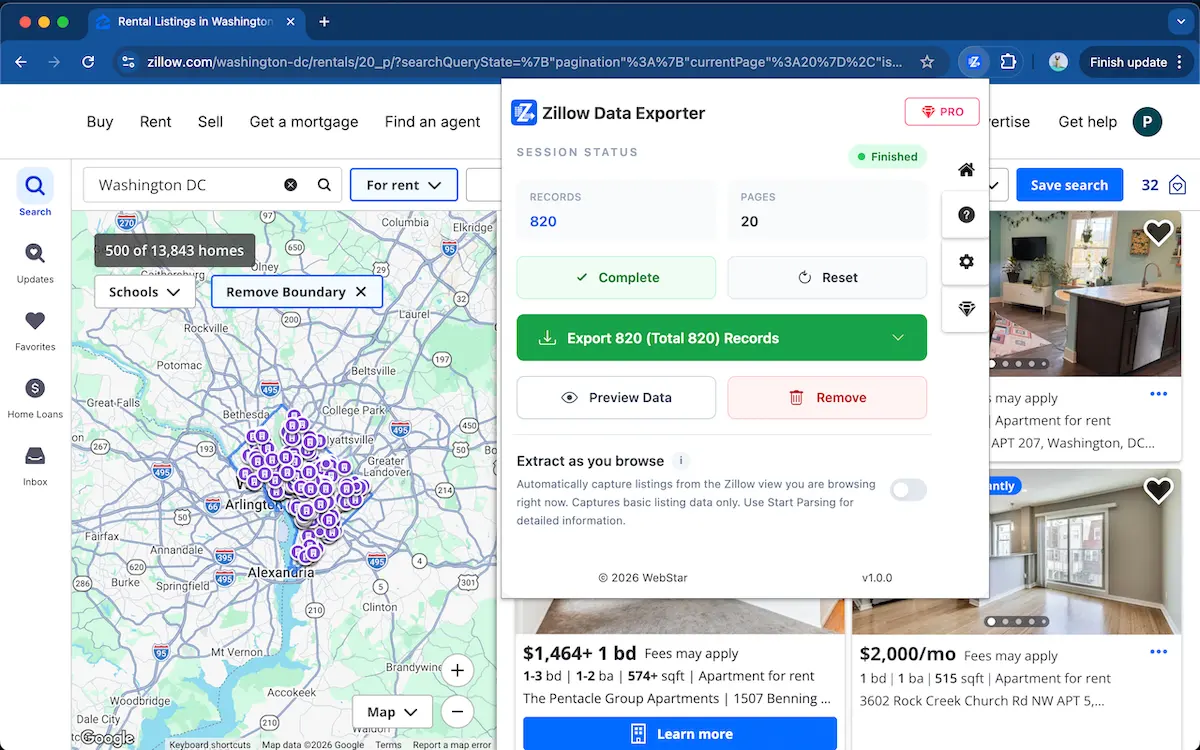
Step 2: Parse the listing data
Use Zillow Data Exporter to capture the available listing rows. The extension keeps processing local in your browser.
Step 3: Preview the structured rows
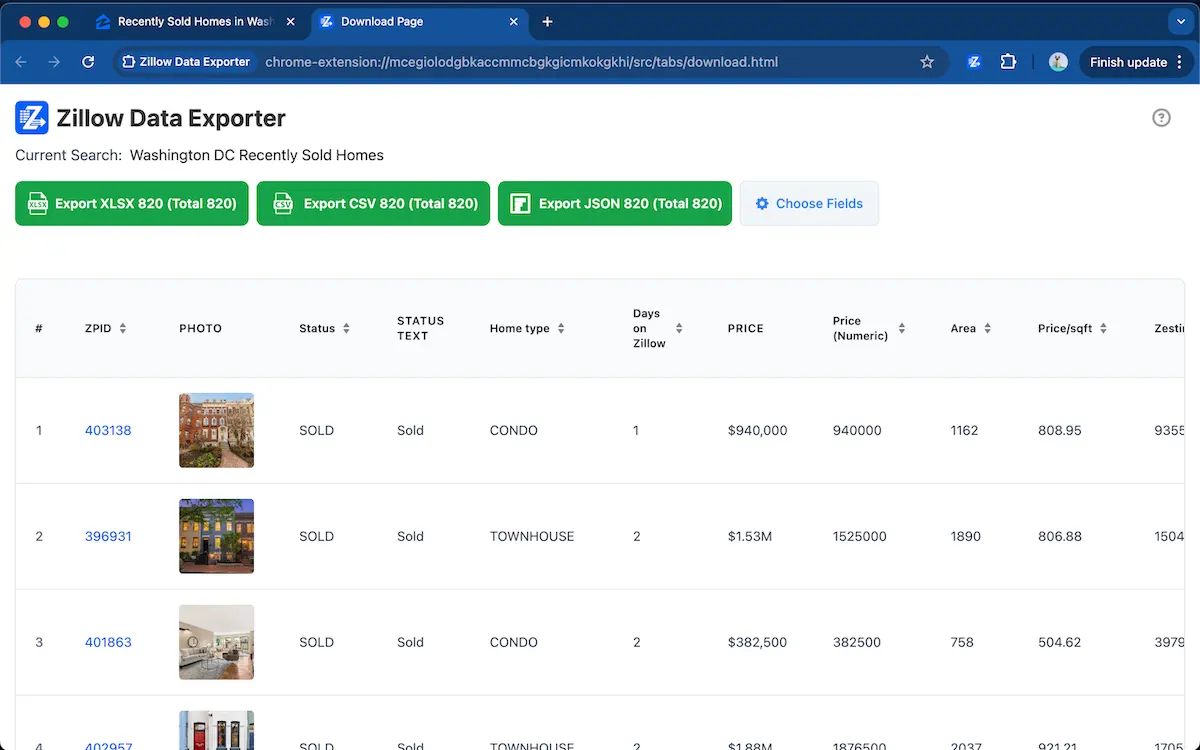
Preview the captured data and remove any fields you do not need. This keeps the exported JSON smaller and easier to process.
Stop copying Zillow data into JSON manually
Use Zillow Data Exporter →Step 4: Export Zillow data as JSON
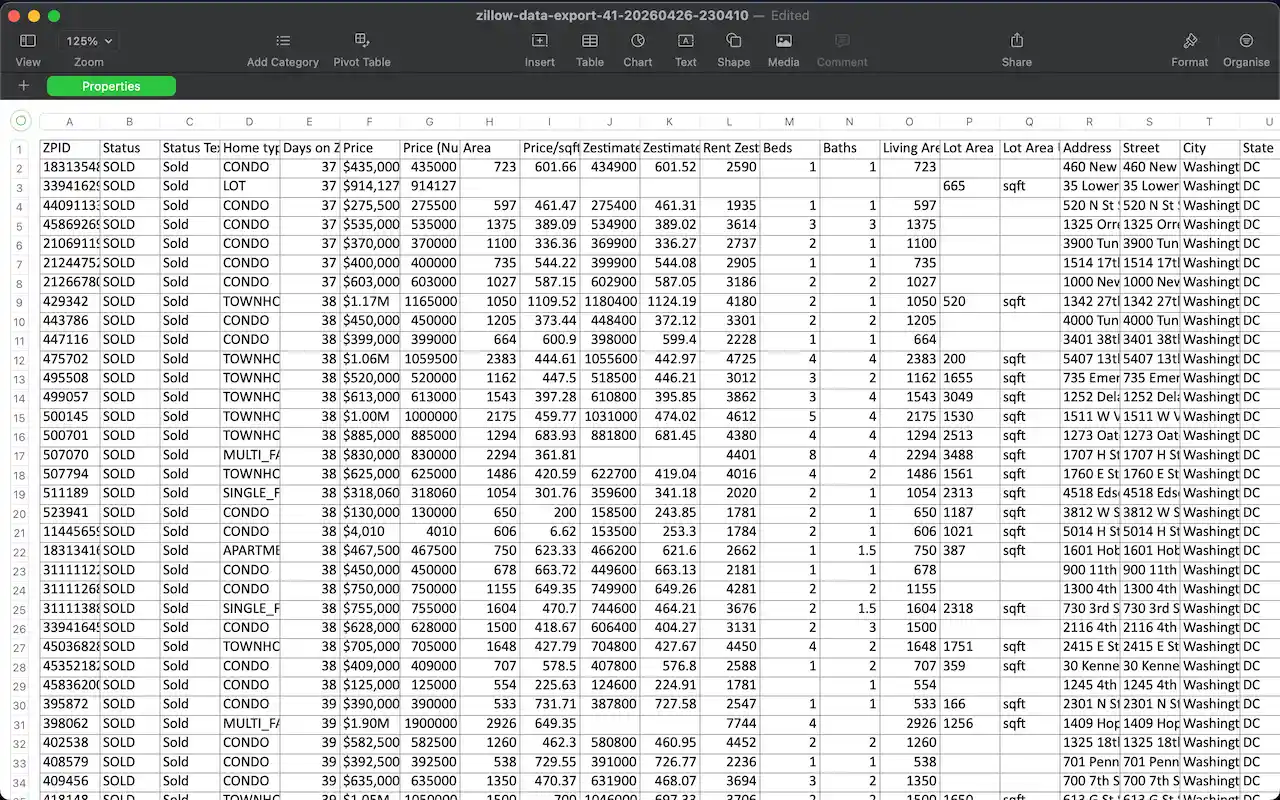
Choose JSON as the export format and save the file for custom analysis, reporting, automation, or data processing.
When JSON is better than CSV
JSON is better when Zillow listing data needs to be processed by scripts, APIs, internal dashboards, or automated reporting systems. It keeps structured property fields easy to pass into custom tools without first reshaping a spreadsheet.
FAQ
Can I export Zillow listings to JSON?
Yes. Zillow Data Exporter can export captured Zillow listing rows as JSON for structured data workflows.
When should I use JSON instead of CSV?
JSON is useful when you want structured data for custom tools, scripts, reporting systems, or downstream processing.
Export Zillow listings to JSON in seconds
Add to ChromeJSON export · Structured data without custom scraper code
Learn more → View full features