Zillow Data Export Not Working? How to Fix It
Capture Zillow rows and export clean property data
If Zillow data export is not working, the issue is usually related to page loading, unsupported views, hidden rows, or browser state.
This guide covers the most common fixes and shows a more reliable way to capture Zillow property rows for CSV, Excel, or JSON export.
Common reasons Zillow data export fails
- The Zillow results page has not fully loaded yet.
- The property rows you want are not visible in the browser.
- You opened the exporter on a non-result page.
- Chrome needs a refresh after extension installation or update.
Fix 1: Open a supported Zillow results page
Start from a Zillow search results page, such as for-sale, for-rent, or recently sold listings. Data export works best when the property rows are visible in the current browser tab.
Fix 2: Wait for property rows to load
Zillow pages can load listing rows dynamically. Wait until the page finishes loading, scroll if needed, and make sure the rows you want to export are visible before starting extraction.
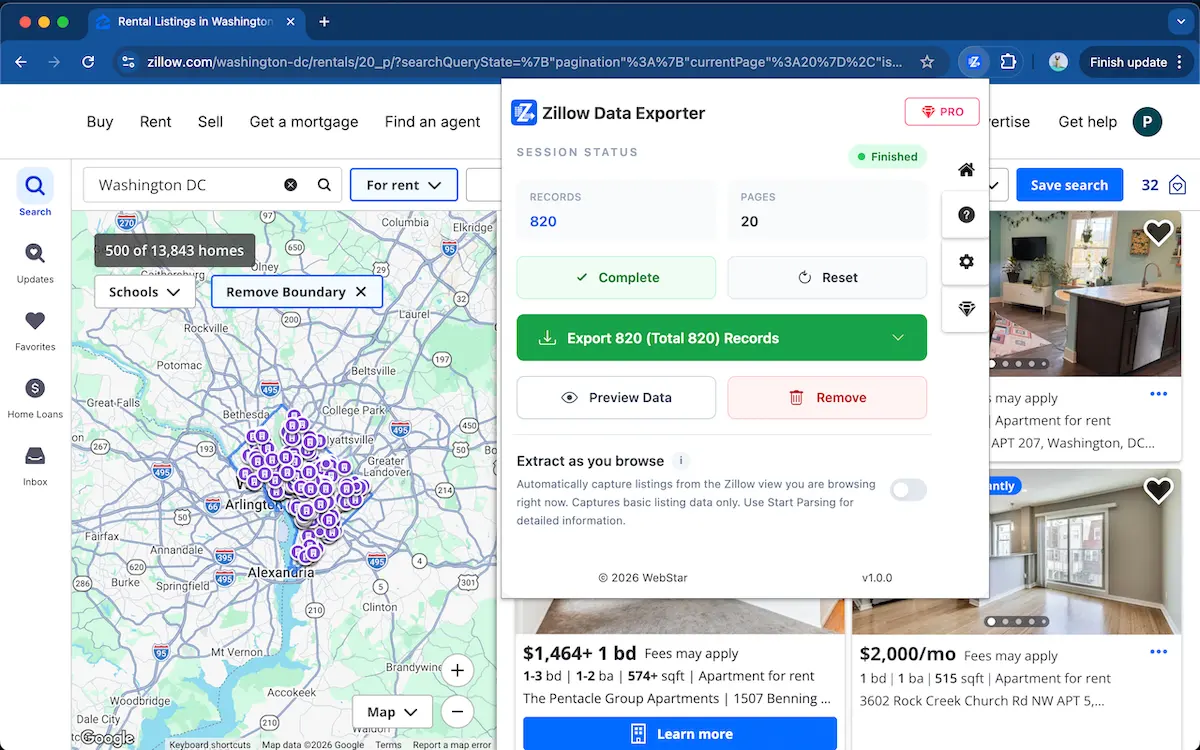
Export Zillow rows without copy-paste
Use Zillow Data Exporter →Fix 3: Refresh Chrome and try again
If the extension was just installed or updated, refresh the Zillow tab before opening the popup. You can also close and reopen Chrome to make sure the extension has permission to read the current page.
Alternative way to capture listing rows
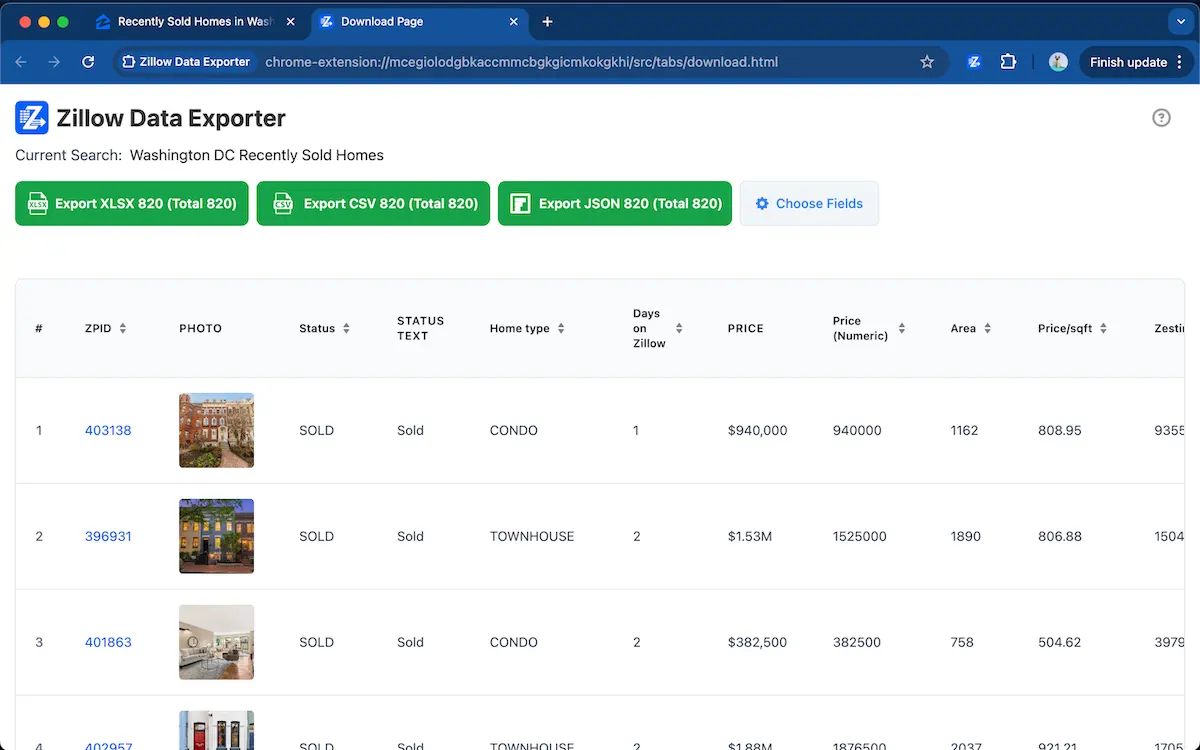
Zillow Data Exporter is designed for structured exports. It captures visible Zillow result rows, lets you preview the data, and exports selected fields to CSV, Excel XLSX, or JSON.
FAQ
Why is Zillow data export not working?
Zillow data export may fail when the page has not fully loaded, the listing rows are not visible, the browser needs a refresh, or the export tool is opened on an unsupported page.
Can the extension export data that is not visible?
Zillow Data Exporter works with property rows that are loaded and visible in your browser. If a listing is hidden behind pagination or has not loaded yet, open or load that result before exporting.
Export Zillow data more reliably
Add to ChromeWorks with loaded Zillow result rows · Export to CSV, Excel, or JSON
Learn more → View full features