Export Zillow Data to Excel
Export Zillow listing data to Excel
If you are analyzing Zillow listings, you need structured data rather than scattered copy-paste notes.
This guide explains what Zillow data can be exported, why manual spreadsheet entry is inefficient, and how to export Zillow listing data to Excel XLSX.
What Data Can Be Exported
Common Zillow export fields include price, address, beds, baths, home type, area, days on Zillow, listing URL, and other details when detail-page parsing is enabled.
These fields are useful for market analysis, investment research, comps, reporting, and spreadsheet workflows.
Manual vs Automated Export
| Workflow | Manual copy-paste | Automated export |
|---|---|---|
| Speed | Slow across many listings | Captures rows faster |
| Format | Requires spreadsheet cleanup | Exports clean XLSX data |
| Repeatability | Hard to keep consistent | Better for repeat analysis |
How to Export Zillow Data
Open a Zillow results page, start parsing from the extension, preview the captured rows, and export the selected fields to Excel XLSX.
Step 1: Open a Zillow results page
Start from a Zillow search results page, such as for-sale, for-rent, or recently sold listings. Make sure the property rows you want to export are visible in your browser.
Step 2: Start parsing from the extension
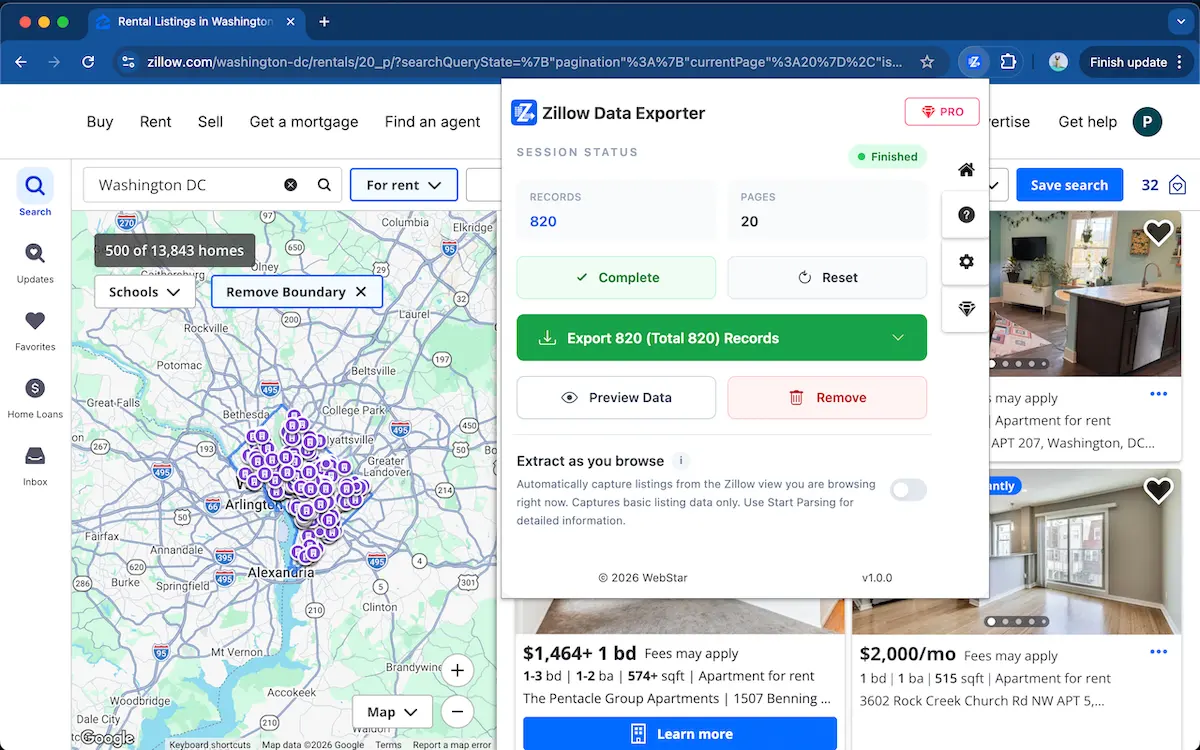
Open Zillow Data Exporter and start parsing the current Zillow page. The extension collects property rows locally in your browser.
Step 3: Preview the captured rows
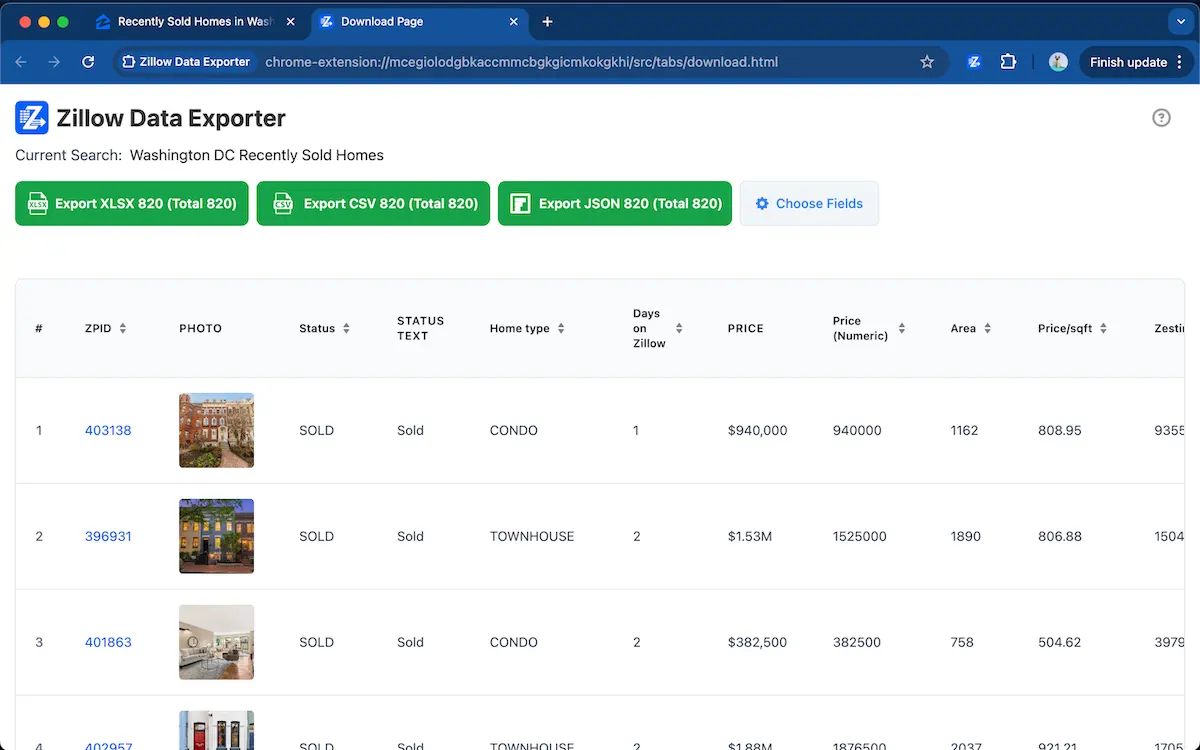
Review the captured rows before exporting. You can keep only the fields you need, such as price, address, beds, baths, home type, area, days on Zillow, and listing URL.
Stop copying Zillow listing data into spreadsheets
Use Zillow Data Exporter →Step 4: Export Zillow data to Excel XLSX
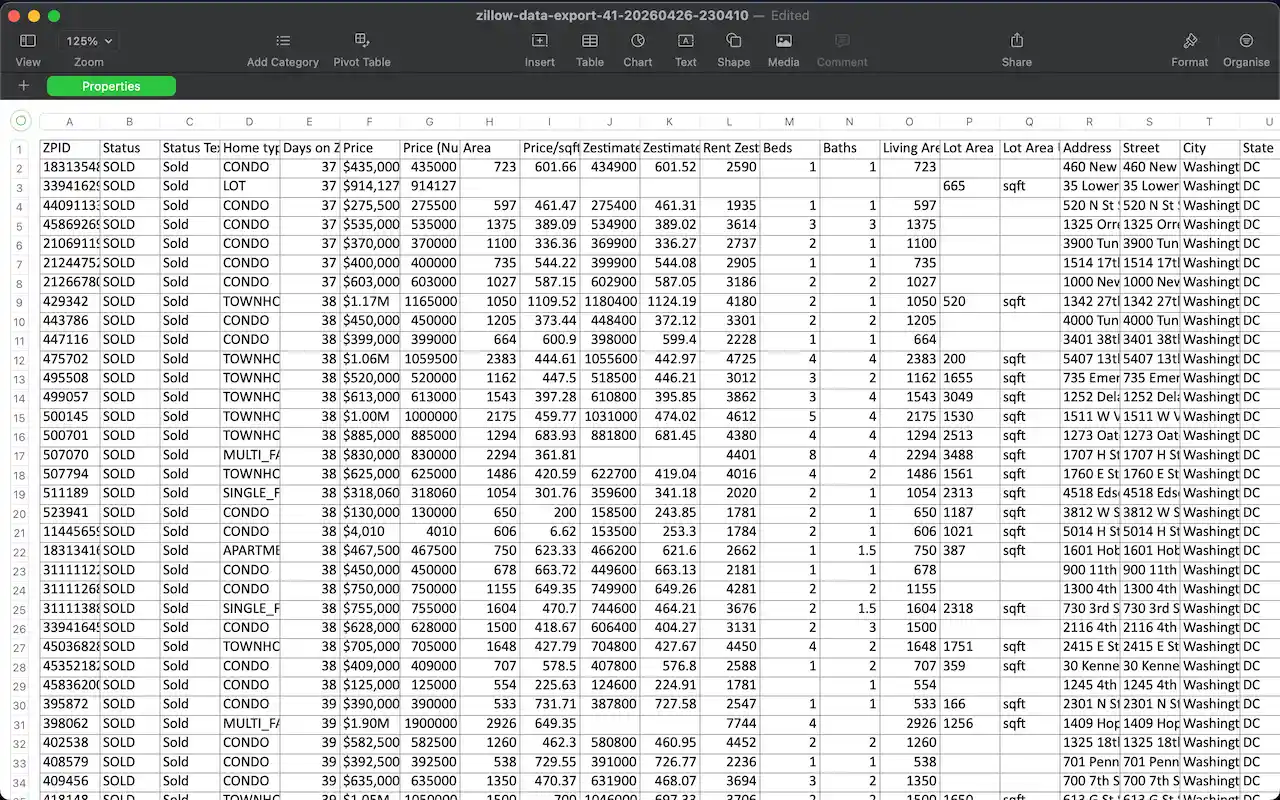
Choose Excel XLSX as the export format and save the data for market analysis, investment research, comps, reporting, or spreadsheet workflows.
Best Tool for Exporting Data
Zillow Data Exporter is built for users who need searchable real estate data without manual copy-paste, spreadsheet cleanup, or custom scraper code.
Excel is useful when you want to filter properties, compare listing fields, calculate price ranges, or prepare reports for clients and teams.
FAQ
Can I export Zillow listing data to Excel?
Yes. Zillow Data Exporter can capture Zillow property rows and export listing data to Excel XLSX for analysis, comps, and reporting.
What fields can I export from Zillow?
You can export fields such as price, address, beds, baths, home type, area, days on Zillow, listing URL, and extra fields when detail-page parsing is enabled.
Export Zillow data to Excel in seconds
Add to ChromeExcel XLSX export · No spreadsheet cleanup required
Learn more → View full features