Why Can't I Export Zillow Data?
Export Zillow data to CSV, Excel, or JSON
Zillow search results are built for browsing listings, not for exporting clean real estate datasets.
If you are copying prices, addresses, beds, baths, listing URLs, or days on Zillow into a spreadsheet, the process can quickly become slow and inconsistent.
Why Zillow data is hard to export manually
Zillow pages load listing information dynamically. Important fields are split across search result rows, detail pages, and visible page elements, so there is no simple built-in export button for most research workflows.
- Property rows need to be copied one by one.
- Pagination makes larger searches repetitive.
- Spreadsheet cleanup takes extra time.
- Manual copy-paste can create missing or inconsistent fields.
Manual options you can try
For a small number of listings, you can manually copy the address, price, beds, baths, and listing URL into a spreadsheet. This works when you only need a few rows.
The limitation is scale. Once you need dozens or hundreds of property rows, manual export becomes a data cleanup task instead of a research workflow.
Stop copying Zillow data manually
Use Zillow Data Exporter →Faster way to export Zillow data
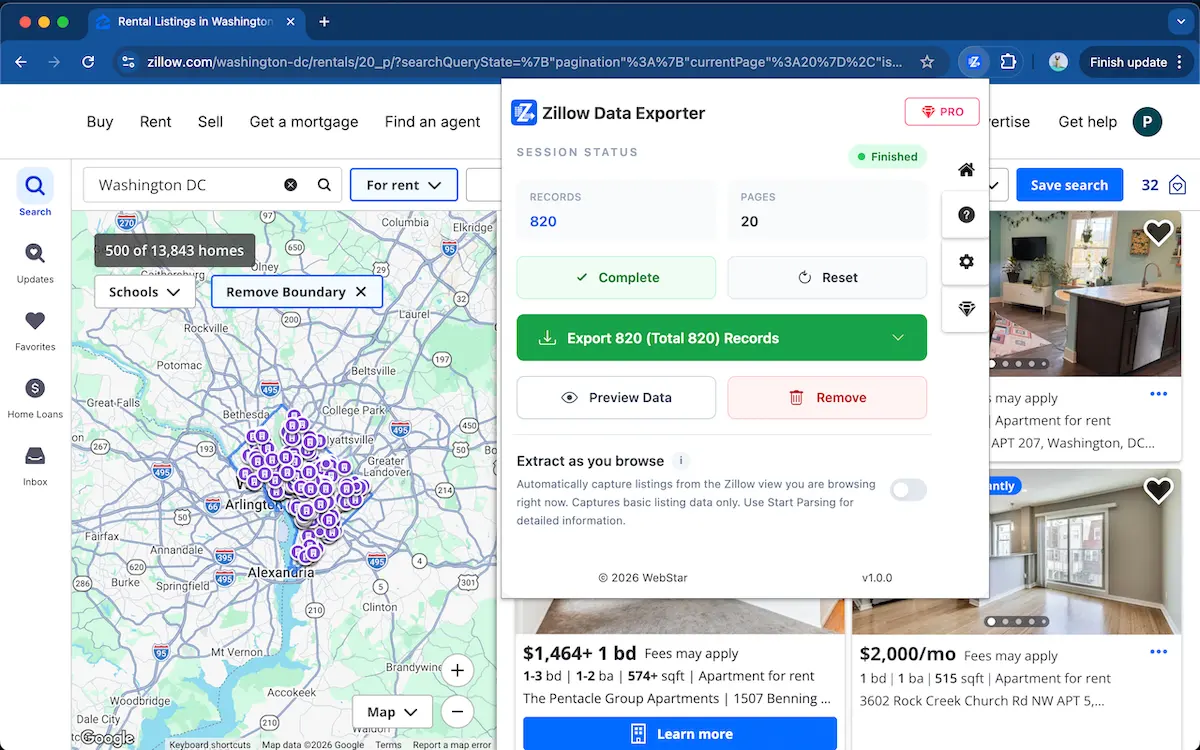
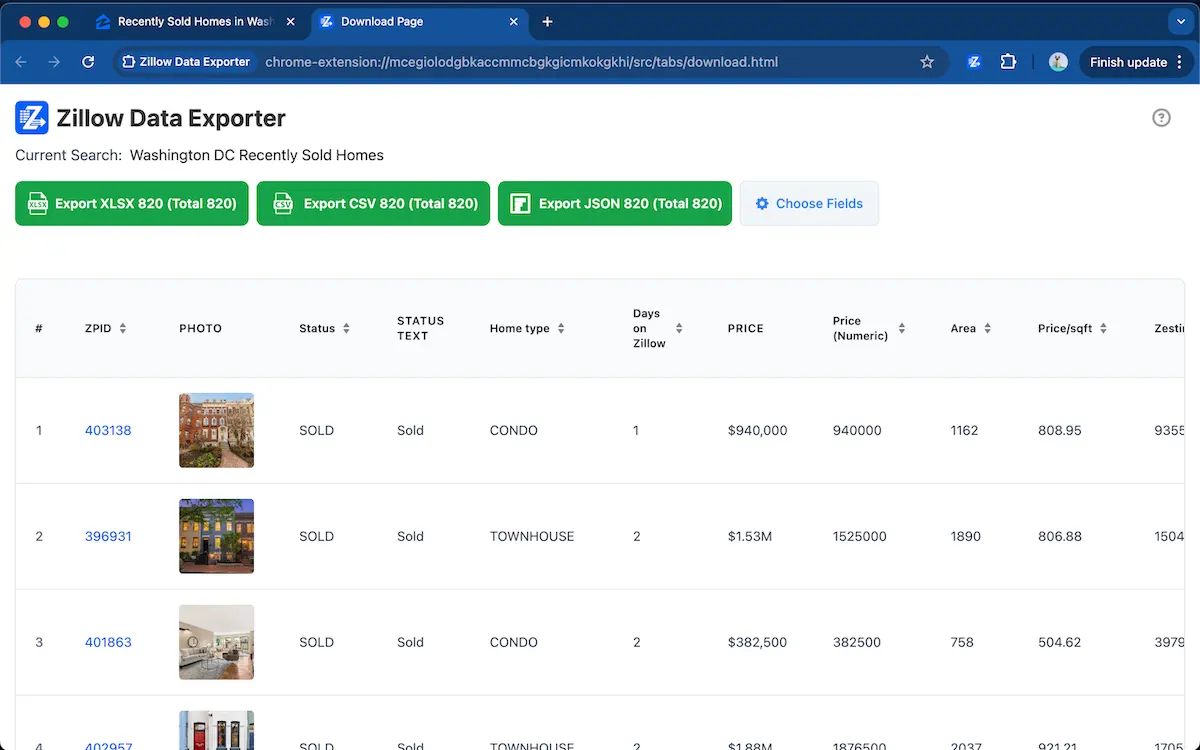
Zillow Data Exporter captures property rows from Zillow search result pages, lets you preview the data, and exports selected fields to CSV, Excel XLSX, or JSON.
This is useful for market analysis, comps, reporting, lead collection, and repeat spreadsheet workflows.
FAQ
Can I export Zillow data to Excel?
Yes. Zillow Data Exporter can capture Zillow listing rows and export property data to Excel XLSX for market analysis, comps, and reporting.
Why is manual Zillow data export slow?
Manual export is slow because Zillow data is spread across dynamic listing pages, result rows, galleries, and detail views. Copying each field into a spreadsheet creates repeated work and cleanup.
Export Zillow data without copy-paste
Add to ChromeCSV, Excel, and JSON export · No scraper code required
Learn more → View full features