Save Zillow Listing Photos
Save Zillow listing photos instantly
Most people save Zillow listing photos by right-clicking each image. That works for a small number of photos, but it becomes slow when a listing has a full gallery.
This guide explains the normal manual method, the problems with that workflow, and a better way to collect property photos faster.
The goal is not just downloading photos. The goal is saving time while keeping listing images organized.
How People Normally Save Zillow Photos
The normal method is to open a Zillow listing, open the image gallery, right-click a visible photo, and choose the browser save option.
This is acceptable for one photo. It is not efficient when you need to save many listing photos from one or multiple properties.
Problems with Manual Saving
- You repeat the same right-click action for every image.
- Large galleries take unnecessary time to collect.
- Files can be saved inconsistently or become hard to organize.
- Some galleries make image access less direct than expected.
Better Way to Save Zillow Photos
A Chrome extension can detect the listing photos available on the Zillow page and give you a cleaner workflow for saving individual photos or full galleries.
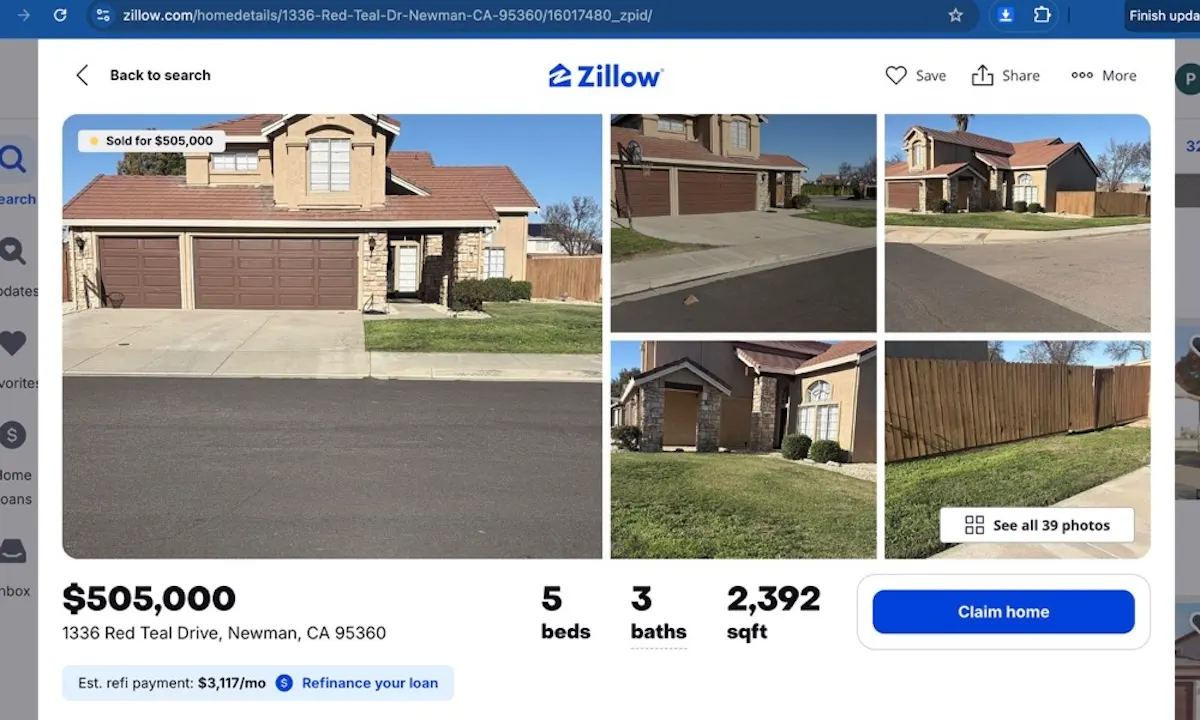
Step 1: Open a Zillow listing with photos
Start on a Zillow listing page that includes the property photo gallery you want to save.
Need the extension first? Add to Chrome.
Step 2: Open the extension popup
Click the toolbar icon to open Zillow Images Downloader and access the image-saving tools directly from the listing page.
If the icon is not visible yet, Add to Chrome and pin it to your toolbar.
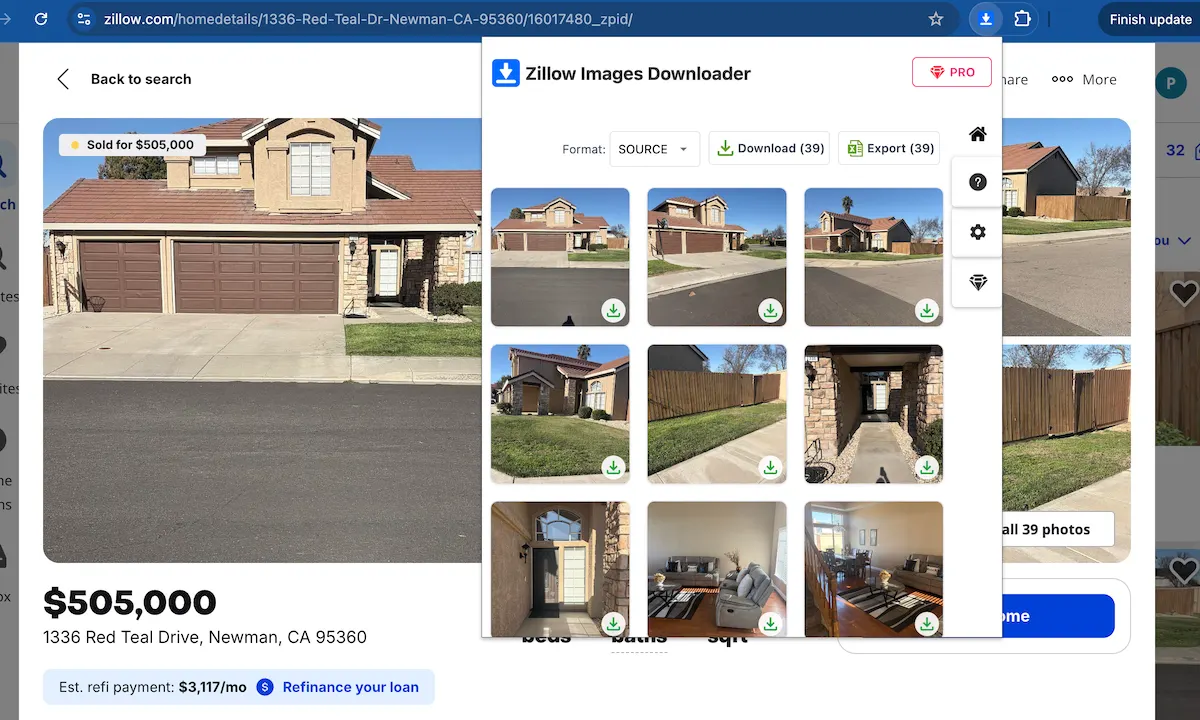
Step 3: Detect all Zillow listing photos automatically
The popup detects the photos available on the page, so you do not need to right-click and save each image manually.
This makes saving Zillow listing photos much faster when a property has a large gallery of images.
Want to try this workflow? Add to Chrome.
Stop saving listing photos one by one
Use Zillow Images Downloader →Step 4: Save photos one by one or in bulk
You can save individual photos or download the full Zillow listing gallery as a ZIP file, depending on how you want to organize the images.
Ready to save listing photos? Add to Chrome.
Quick Workflow for Saving Listing Photos
- Open the Zillow listing page.
- Launch Zillow Images Downloader from the Chrome toolbar.
- Let the extension detect available listing photos.
- Save individual photos or download the gallery as needed.
FAQ
Can I save all Zillow listing photos at once?
Yes. The extension can download a full listing gallery as a ZIP file instead of saving each photo one by one.
Does Zillow Images Downloader keep photo quality?
Many Zillow listings provide high-resolution listing photos, and the extension helps you access them directly from the gallery.
Learn more → View full features