Why Can't I Download Zillow Images?
Download Zillow images instantly
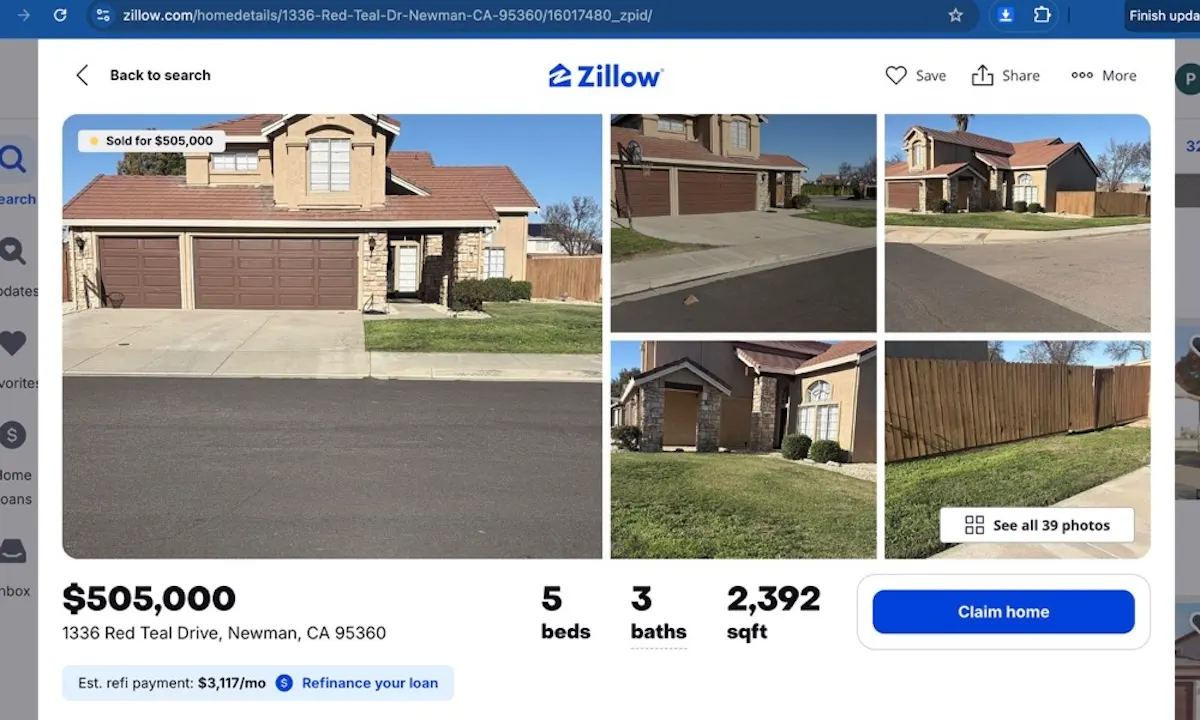
Zillow listing images can be difficult to save when the gallery is loaded dynamically, uses preview images, or contains many photos that must be saved one by one.
If you need Zillow property images for research, marketing, or real estate workflows, the manual approach quickly becomes inefficient.
Common reasons Zillow images are hard to download
- The listing gallery loads images after the page opens.
- Right-click saving may only capture a preview image.
- Large listings require repeated manual save actions.
- Image URLs can be hard to find in the page source.
Manual fixes you can try
First, make sure the listing page is fully loaded. Open the image gallery, wait for the images to appear, and try saving the image again. You can also refresh the page or test in a clean Chrome profile.
Need a faster option? Add to Chrome.
Stop troubleshooting every image manually
Use Zillow Images Downloader →Use a Chrome extension to detect listing images
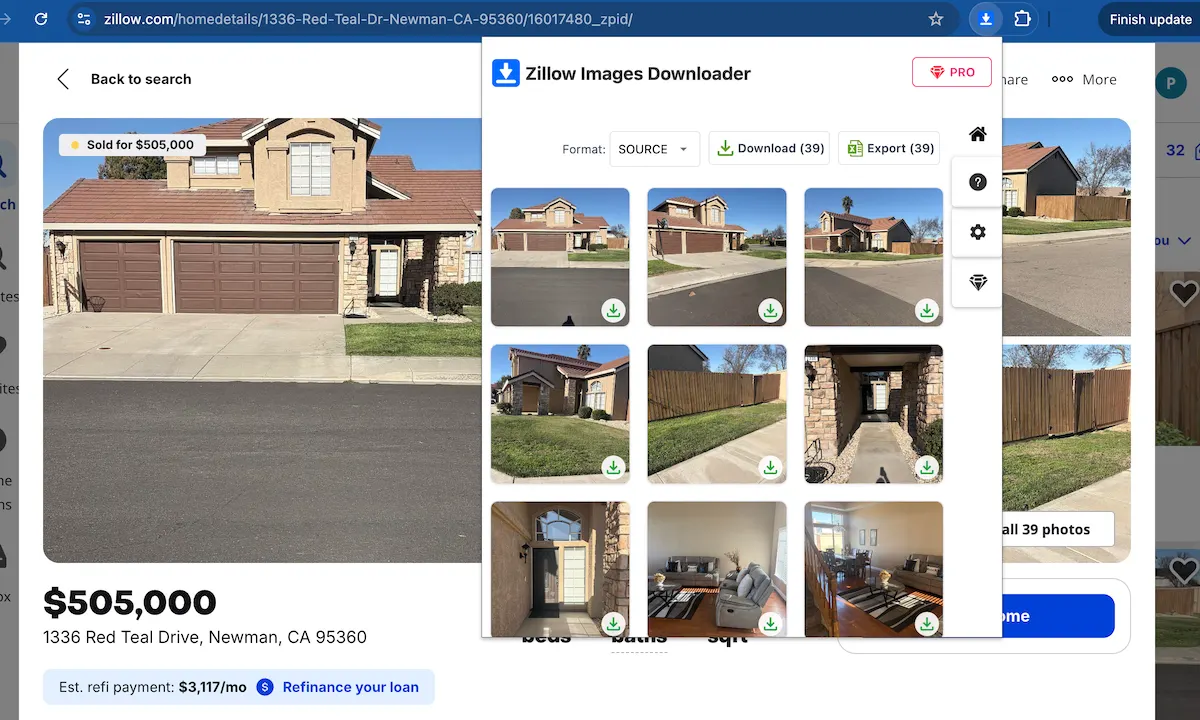
Zillow Images Downloader detects listing images directly from the page and gives you a faster way to save individual images or download a full gallery as a ZIP file.
FAQ
Why does right-click save not work well on Zillow?
It may save only the visible preview image or require many repeated actions across a large listing gallery.
Can I download all Zillow images at once?
Yes. Zillow Images Downloader can help you access listing images and download a full gallery faster.
Learn more → View full features