Zillow Images Not Loading?
Access Zillow listing images faster
If Zillow images are not loading, you are usually dealing with a browser, network, cache, or page-loading issue.
This guide explains the common reasons, practical fixes, and what to do when the images load but are still difficult to download.
Common Reasons
- The listing gallery has not finished loading yet.
- Chrome is using stale cached site data.
- An ad blocker or privacy extension is blocking page scripts.
- The network connection is slow or unstable.
- Zillow is temporarily serving a broken listing gallery.
Fix 1: Refresh the Zillow listing page
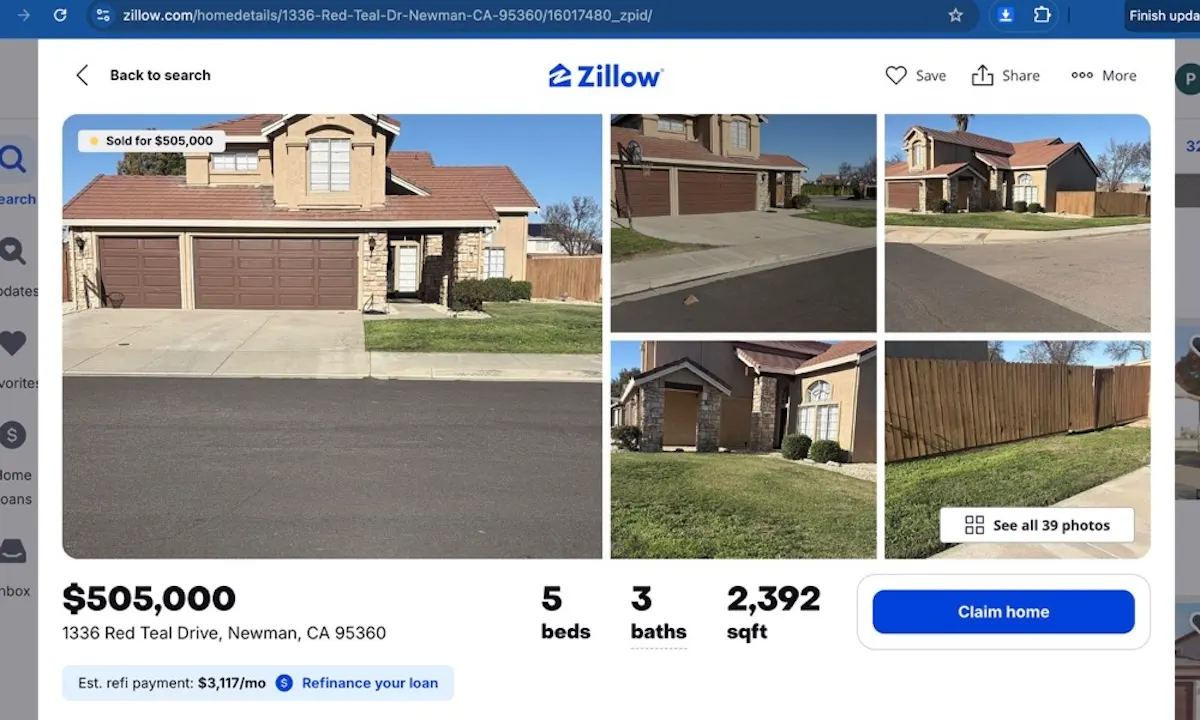
Reload the listing page and wait for the full image gallery to load. Zillow images can appear after the main listing content, especially on slower networks.
Fix 2: Check Chrome cache, blockers, and network
- Clear cached site data and reload the page.
- Disable ad blockers or privacy extensions for testing.
- Try a different network or Chrome profile.
- Open the listing gallery directly before saving images.
If the gallery loads but saving is still slow, Add to Chrome.
Fix 3: Open the gallery directly
Open the property image gallery before downloading. Some Zillow images are lazy-loaded, so they may not become available until the gallery view is opened and the photos are visible in the browser.
Stop saving Zillow images one by one
Use Zillow Images Downloader →Alternative Way to Access Images
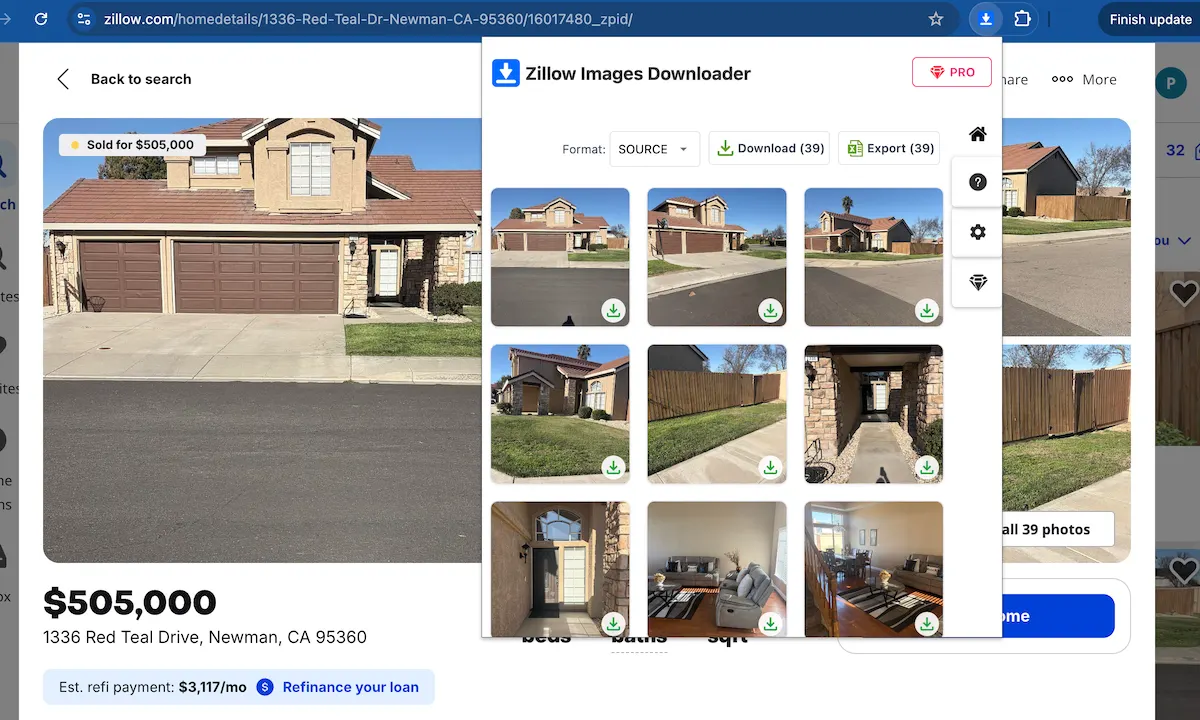
After the images load, Zillow Images Downloader can detect available listing images from the page and help you download them more efficiently.
FAQ
Should I clear Chrome cache if Zillow images are not loading?
Yes. Cached scripts or stale site data can sometimes prevent Zillow galleries from loading correctly.
Can an extension fix a page where images do not load at all?
The page images need to load first. Once they are visible, the extension can help detect and download them faster.
Learn more → View full features